Transform a single image into 15 different camera angles instantly.
Quick answer: to change the camera angle of a photo with AI, upload the image to the Angles Variations model in Kolbo.AI, set rotation, tilt and zoom with the sliders (or pick All Angles for 15 views at once), and generate. The AI redraws the same subject from the new viewpoint, so you get a side view, a top-down shot or a low angle from one picture, with no 3D model.
We're excited to introduce our revolutionary Camera Angles feature - your gateway to exploring every perspective of your images without 3D modeling. Upload one image and watch as AI generates up to 15 unique camera angles, perfect for product photography, character design, and creative visualization.
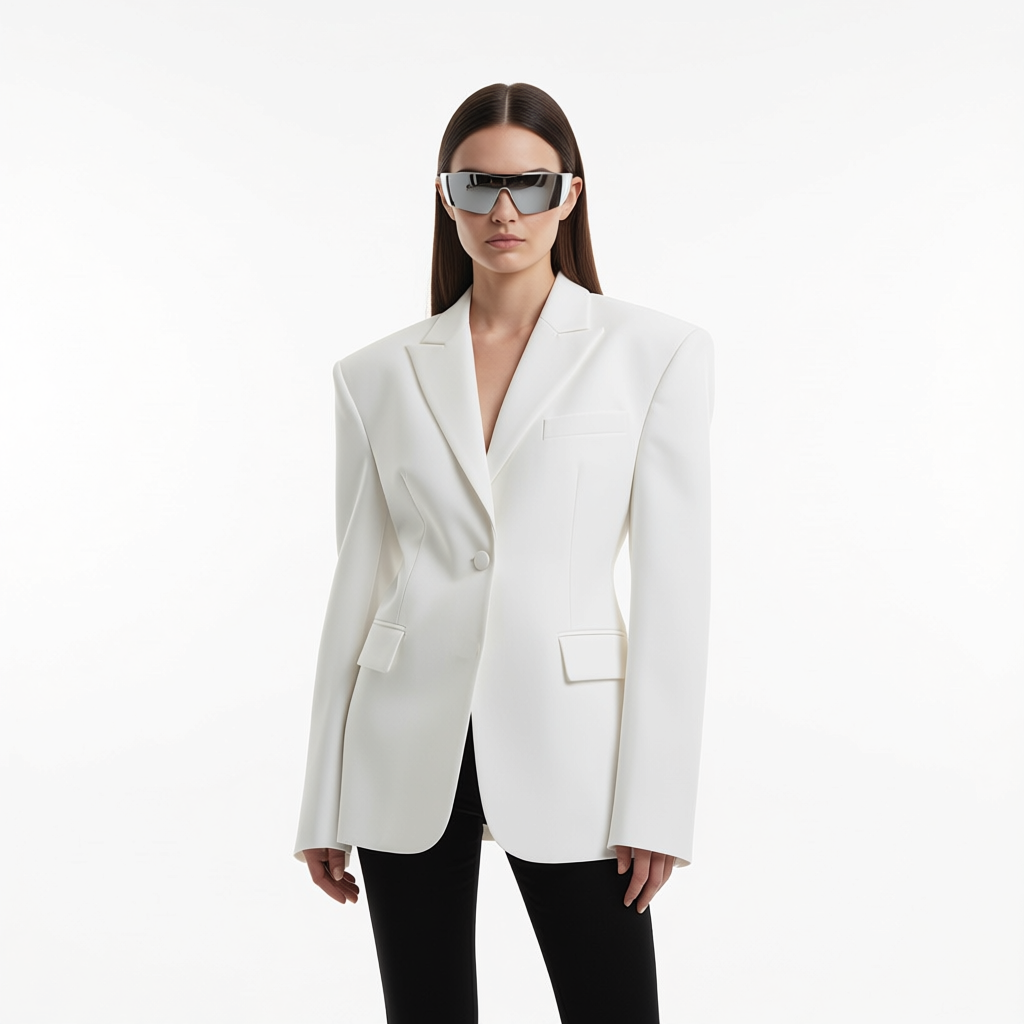
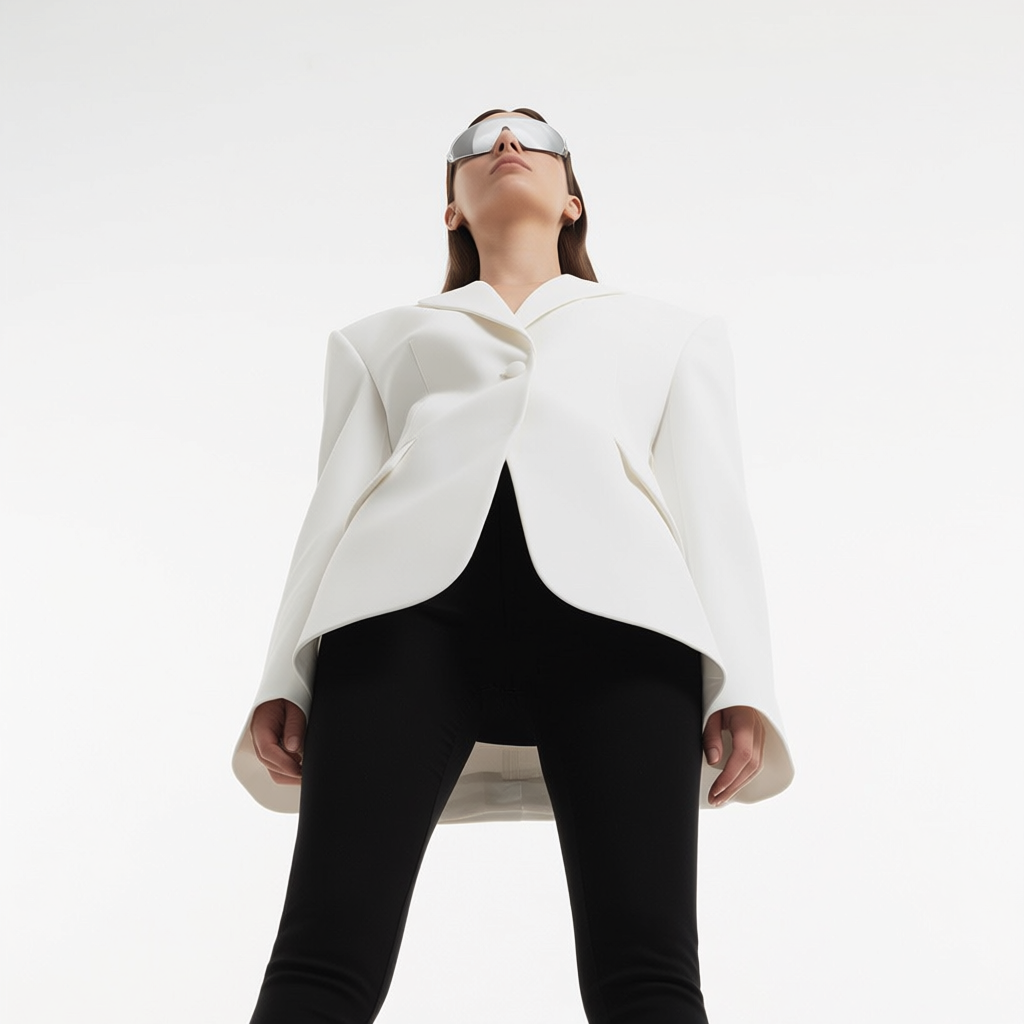
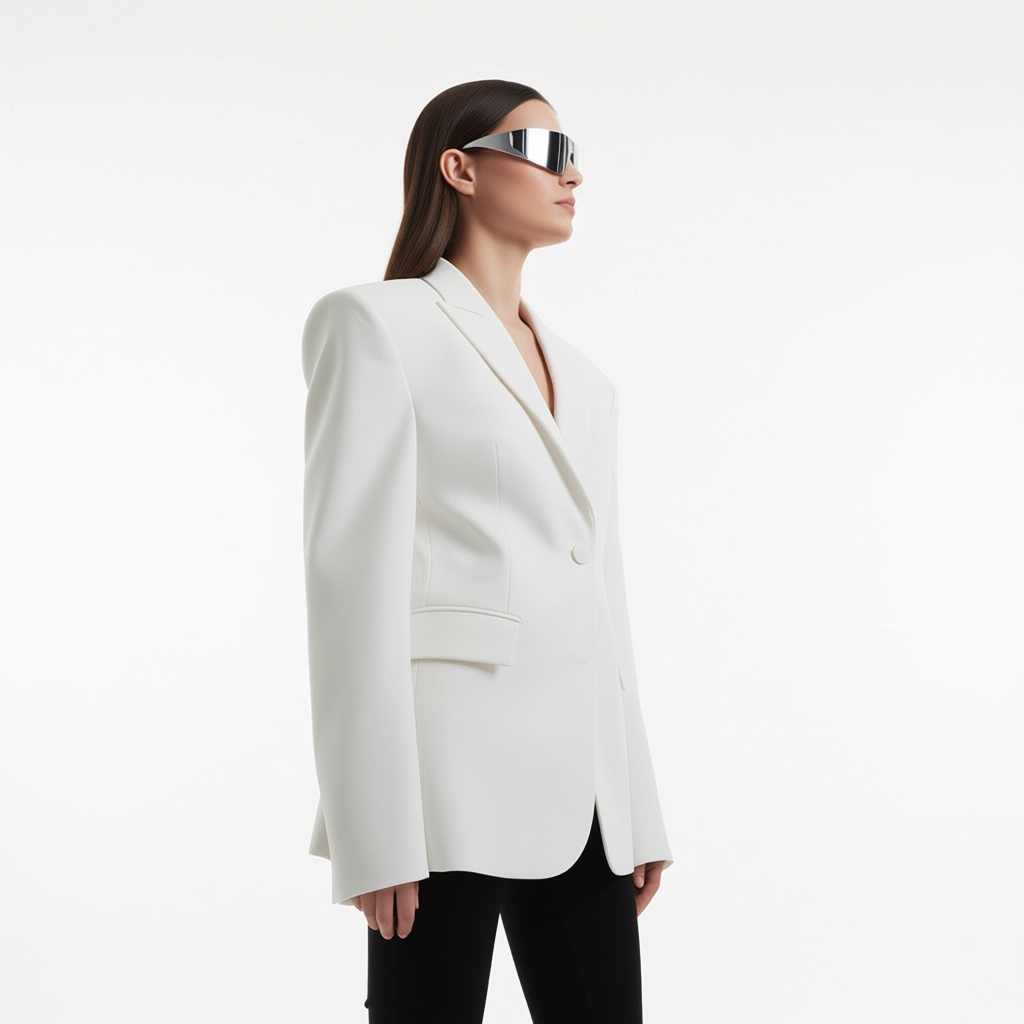
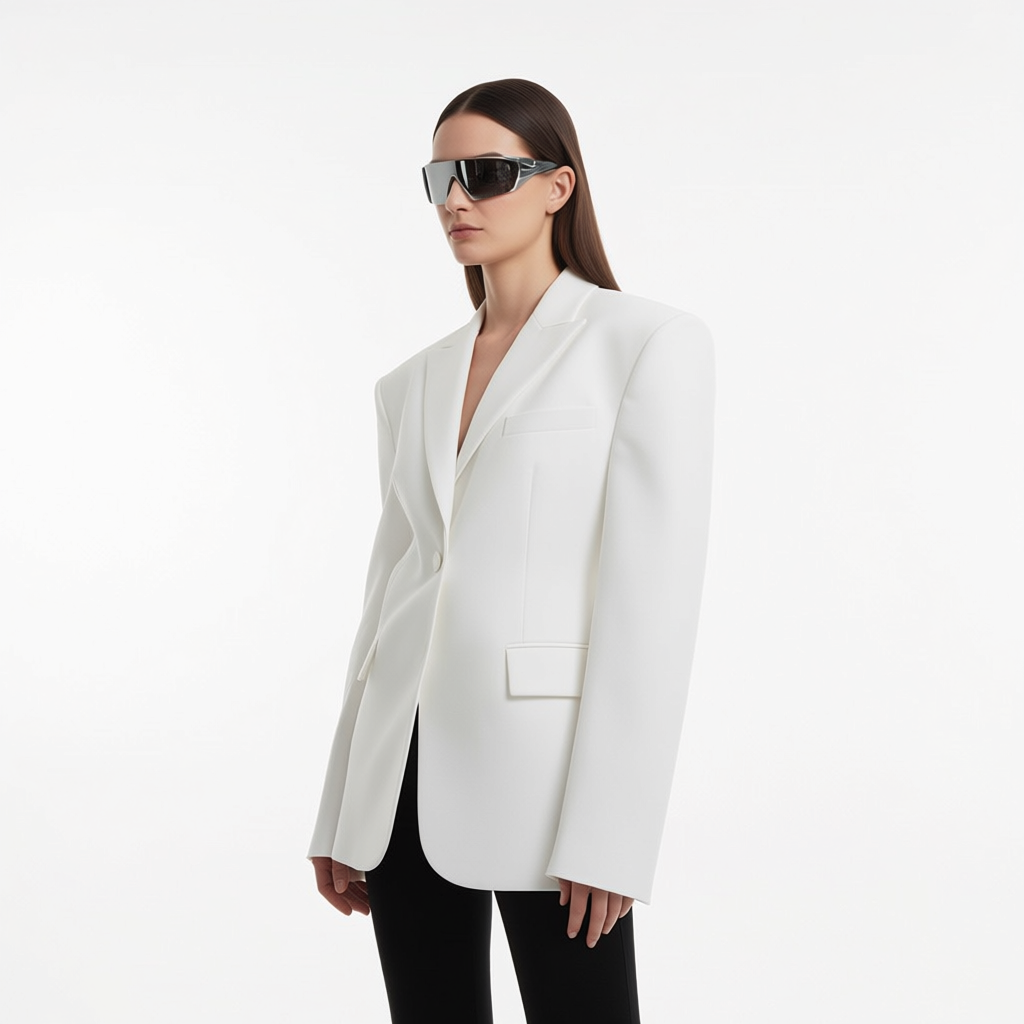
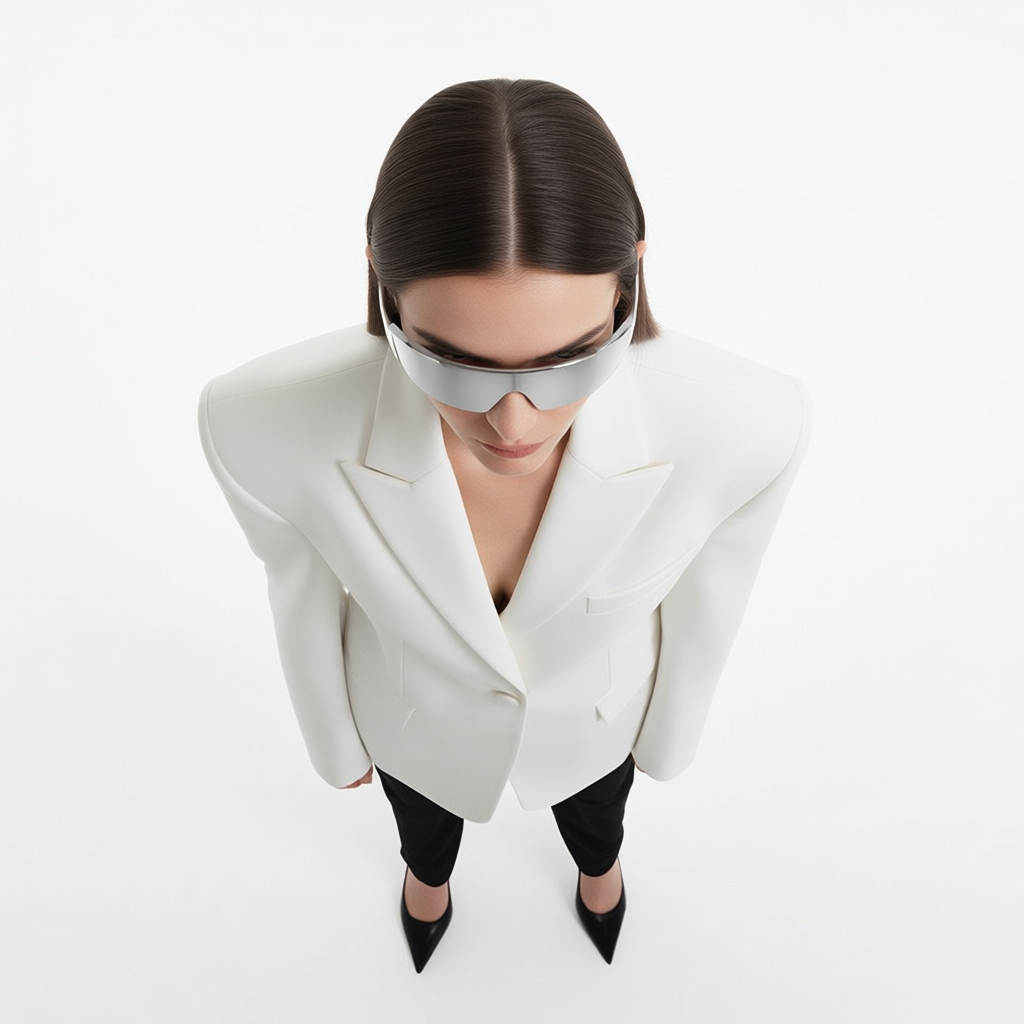
Key Features
Intuitive Controls
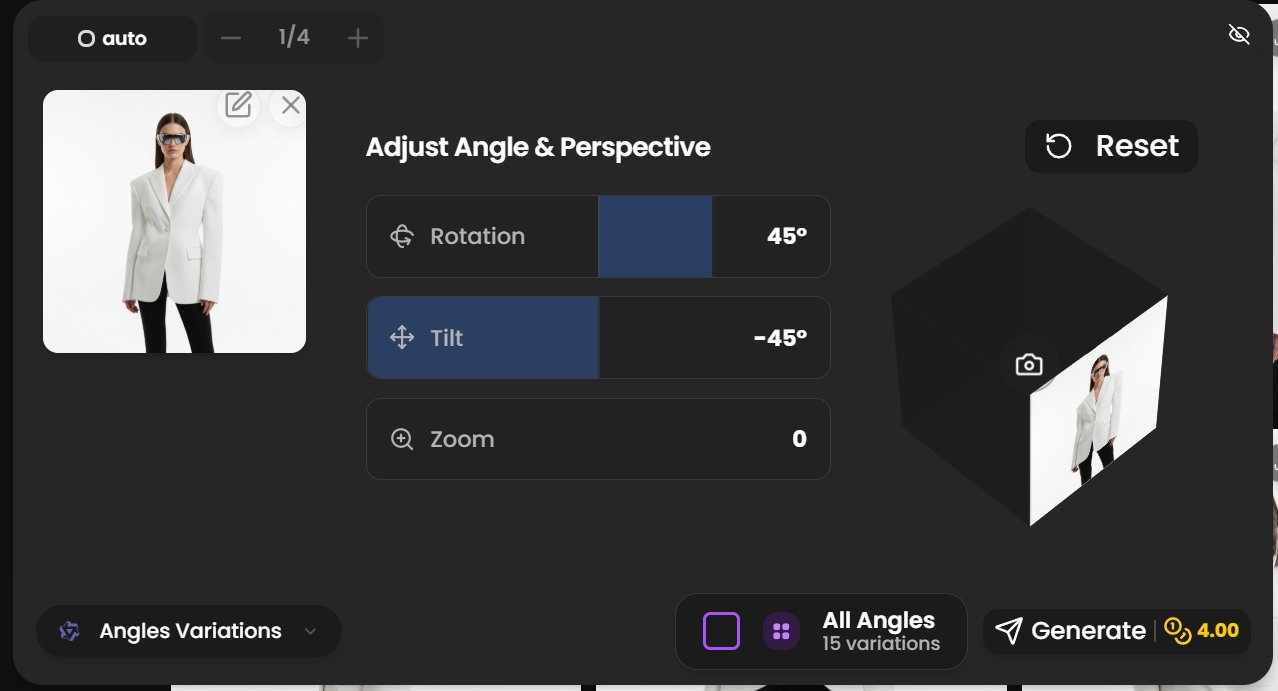
Adjust rotation, tilt, and zoom with simple sliders. See your changes in real-time with an interactive 3D preview cube. The interface is designed for both beginners and professionals - no complex learning curve required.
All Angles Mode
Generate all 15 angle variations with one click. Perfect for product showcases and complete perspective exploration. This feature eliminates the need to manually adjust each angle, saving hours of work while ensuring you capture every possible viewpoint.
AI-Powered Precision
AI estimates how the scene looks from a new viewpoint. Review generated details before using the result, especially product labels, hands and surfaces hidden in the original. The AI understands the geometry and structure of your image, ensuring that transformations look natural and maintain the integrity of the original composition.
Perfect For
📦 Product Photography
Create complete 360° product showcases from a single photo. Whether you're building an e-commerce store, creating marketing materials, or developing product catalogs, Camera Angles lets you generate professional multi-angle views without expensive photo shoots or 3D modeling.
🎨 Character Design
Visualize characters from all perspectives. Perfect for animation and games. Character designers and concept artists can now explore how their creations look from every angle, making it easier to refine designs and communicate vision to teams.
🏗️ 3D Visualization
Generate design perspectives without complex 3D modeling. Architects, interior designers, and product designers can quickly visualize their concepts from multiple viewpoints, helping clients and stakeholders better understand spatial relationships and design intent.
No 3D Modeling Required
Simply upload an image, adjust the controls, and generate professional multi-angle views in seconds. Whether you need one specific angle or all 15 variations, Camera Angles delivers studio-quality results instantly.
The technology behind Camera Angles eliminates the traditional barriers to multi-perspective visualization. What once required expensive 3D software, hours of modeling work, and specialized expertise now takes seconds. The AI handles the complex geometric transformations, perspective calculations, and detail preservation automatically.
Start exploring new perspectives today and discover angles you never knew existed in your images. The feature is available now in the Image Editing tools - upload your image and begin transforming your creative workflow.
For shot planning before you generate, see the camera angles and lens presets guide. It explains how framing and lens choices affect the resulting image.
How to change the camera angle of an image, step by step
- Open Image Tools and choose the Angles Variations model. Open it here.
- Upload the photo: a product, a character, a room or a person.
- Set the new viewpoint with the rotation, tilt and zoom sliders and check it on the 3D preview cube. Or switch on All Angles to get all 15 views in one run.
- Generate. The price is shown before you start.
- Keep the views you like. Use them as product gallery shots, character turnarounds, or as start and end frames for an AI video.
Frequently asked questions
Can AI change the camera angle of a photo?
Yes. An angle-control model estimates what the scene looks like from another viewpoint and redraws it. It works best on a single clear subject. Check details the original photo never showed, such as the back of a product or hidden text.
Is there a free AI camera angle changer?
New Kolbo.AI accounts get free credits at signup, which are enough to try camera angle control on a few images before choosing a plan.
How many angles can I get from one image?
Up to 15 in one run with All Angles, or any single angle you set by hand.
What is the difference between camera angle control and camera presets?
Camera angle control changes the viewpoint of an image you already have. Camera presets shape a new image while it is being generated (shot type, lens, angle). Both live in Kolbo.AI and work well together.
Can I keep the same camera angle across many images?
Yes. Set the angle once and reuse the same slider values, or use a Visual DNA character with a camera preset so every new image keeps the framing.