
Native creative workspace for macOS and Windows
Create beside the software you already use.
Keep Kolbo open next to your editor, generate image, video, and audio, then move the result directly into the project on your screen.
Free to download. Your Kolbo account and credits travel with you.
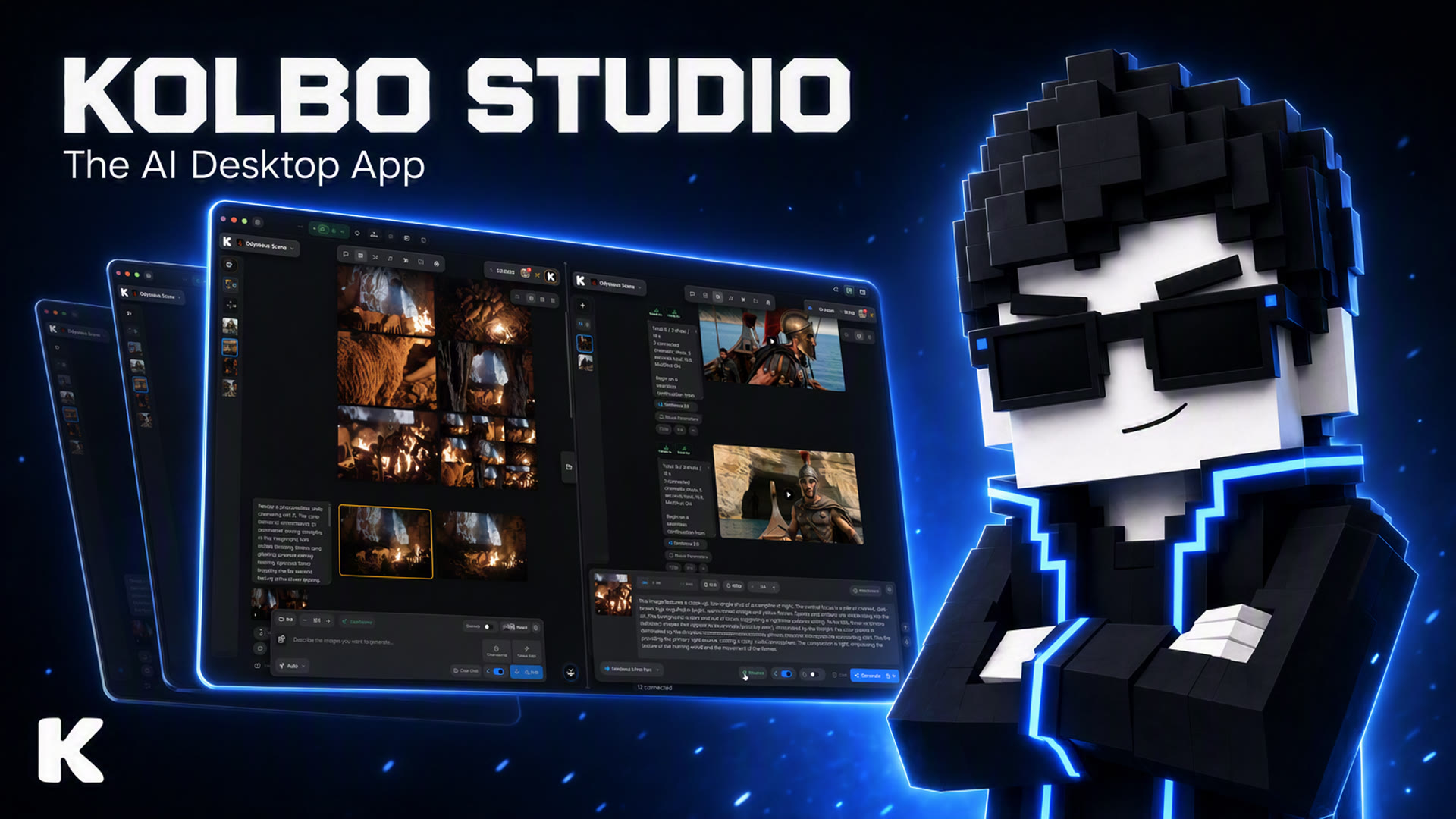
Focused desktop creation
One place for the media between idea and edit.
Generate, organize, prepare, and move media without turning every task into a chain of browser tabs and export folders.
Create across image, video, and audio.
Use Kolbo models from a native window, keep outputs together, and move the result when it is ready for the edit.
Keep outputs organized
Use the file manager and split view to keep source media and generated results within reach.
Prepare media before the edit
Trim, crop, merge, convert, and extract frames with built-in utility tools.
The desktop toolkit
See every feature actually working.
Real screen captures from Kolbo Studio: tabs, split view, libraries, quick tools, and the drag into your editor.
Every session in its own tab
A built-in browser made for creating: image, video, and audio sessions side by side, without the noise of a regular browser.
The desktop in motion
Watch creation move from Kolbo into the work.
The Studio window keeps generation, files, quick tools, and delivery visible as one continuous desktop workflow.
 Kolbo Studio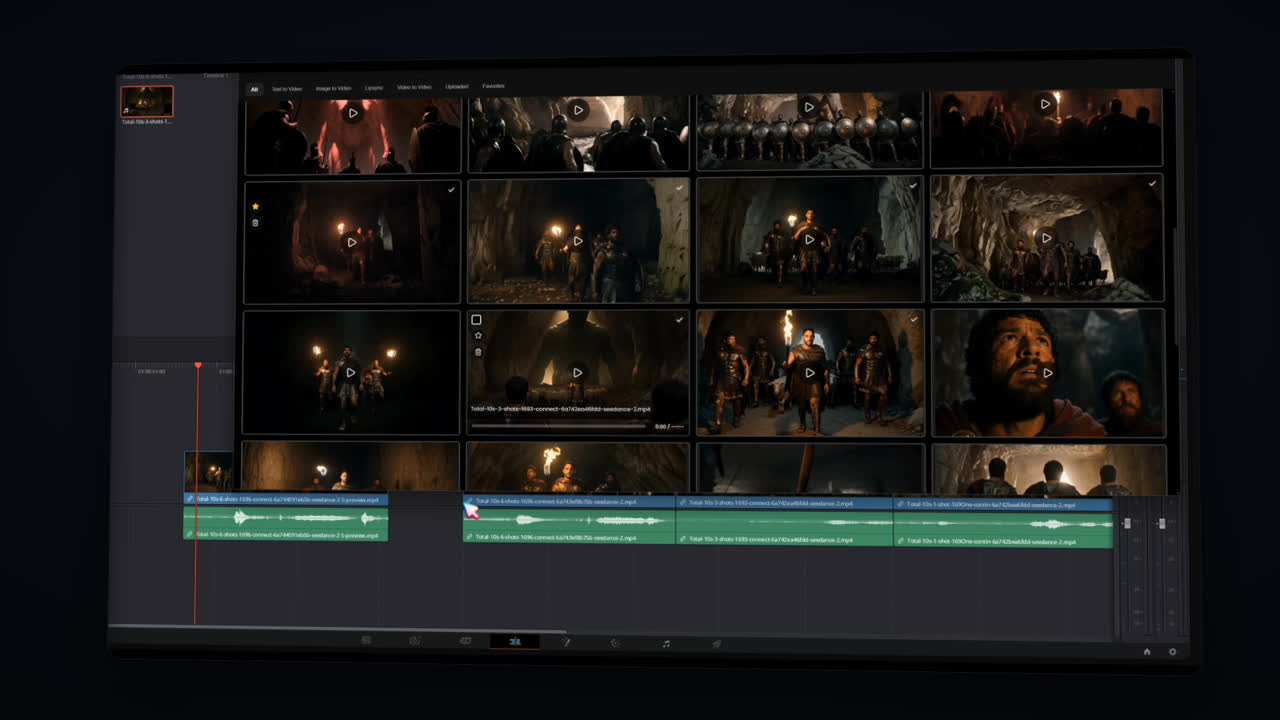
Delivery
Move the result into the timeline.
Kolbo Studio is designed to sit beside the editing software already on your desktop.
Native desktop app
Choose your platform and start creating.
Kolbo Studio is available for macOS and Windows from the Kolbo app download page.
Kolbo Studio
Keep creation close to the edit.
Open Kolbo beside the software you already know, create the media you need, and move it into the project.