
Kolbo tools for MCP-compatible agents
Give your agent a trusted creative toolkit.
Connect Kolbo to the AI agent where the work is already happening. Create images, video, music, and voice from the same conversation and project context.
Remote connector with OAuth. Local install available for desktop and coding clients.



Kolbo creative tools
For Claude
- 01
Open Settings and choose Connectors
- 02
Add Kolbo with the remote URL
- 03
Log in and approve access
https://api.kolbo.ai/mcpConnect with confidence
The agent gets tools. Your Kolbo account stays in control.
Use browser login for the remote connector or install the local package for supported desktop and coding clients.
Add Kolbo
Use the remote connector URL or the local install command.
Approve access
Sign in with your Kolbo account and allow the connection.
Create in context
Ask the agent to make the media the current task needs.
Remote connector
https://api.kolbo.ai/mcpLocal install
npx -y @kolbo/mcp installAgent skill file
Upload the Skill to Claude or Codex.
After the connector is on, upload this skill so the agent routes images, video, Visual DNA, and filmmaking correctly. Claude.ai, ChatGPT, and Codex all accept the same file.
The Kolbo Skill
Claude.ai: Settings → Features → Skills. ChatGPT / Codex: Settings → Skills. Codex CLI: unzip into ~/.codex/skills/
Download the SkillCreative proof
The request stays in the agent. The result comes back ready to use.
Kolbo MCP can route the creative task to image, video, music, and voice tools without breaking the conversation into separate apps.
Creative agent
Kolbo MCP connected
Create a consistent three-scene campaign with this character.



The toolkit in context
One agent run can return more than one kind of media.
A campaign task can move through product imagery, page assets, social frames, motion, and sound while the agent keeps the brief in view.

Product image
Returned to the agent

Landing page asset
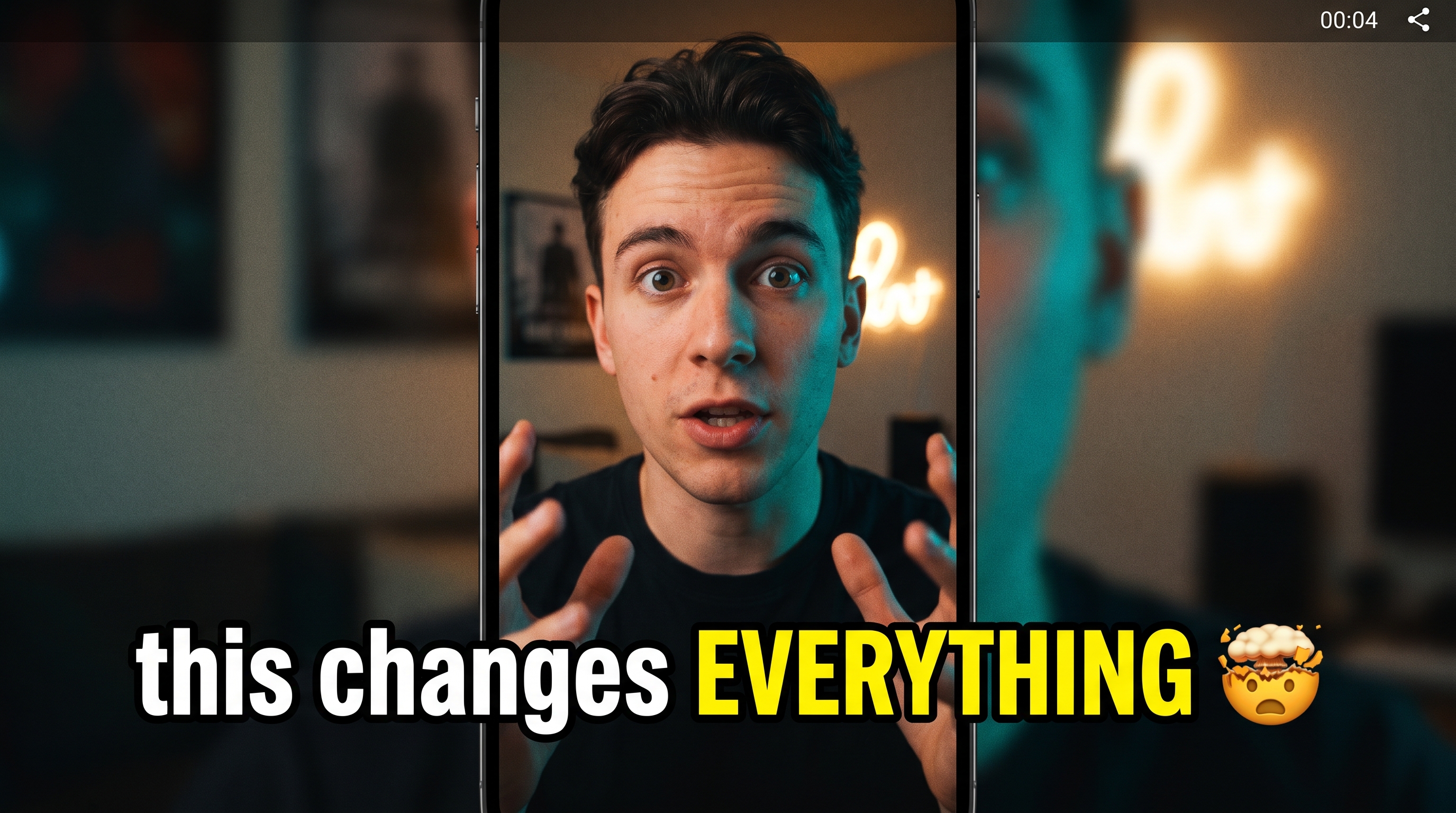
Social frame

UGC motion
Need the setup details?
Use the Kolbo documentation for local installation, authentication, and agent workflows.
Open documentationPrefer a manual API key?
The developer route remains available, even though the remote connector does not require a key.
Open developer settingsKolbo MCP
Let the agent create without leaving the task.
Connect Kolbo with OAuth or install the local MCP package for the client you use.